How to Use Dynamic Content and Metafields in Shopify Product Pages
If you’ve spent any time in Shopify’s admin or theme editor lately, you’ve probably seen the term dynamic content pop up. Maybe you’ve clicked on it. Maybe you’ve ignored it. Either way, it’s not always obvious how it’s meant to be used or why it matters. In the video above, I wa
If you’ve spent any time in Shopify’s admin or theme editor lately, you’ve probably seen the term dynamic content pop up. Maybe you’ve clicked on it. Maybe you’ve ignored it. Either way, it’s not always obvious how it’s meant to be used or why it matters.
In the video above, I walk through what dynamic content actually is, how it connects to Shopify metafields, and how you can use it to build more flexible product pages without creating a mess of templates. This post expands on that walkthrough and focuses on the practical “why” behind the feature.
What Shopify Means by Dynamic Content
At a high level, dynamic content is Shopify’s way of letting your theme pull in product-specific data automatically.
Instead of hardcoding text into a product template, you connect elements in your theme to data stored on the product itself. That data lives in metafields, which you can think of as structured, custom fields attached to products.
Metafields let you answer questions like:
- What binding type does this snowboard use?
- What material is this product made from?
- Does this item require special care instructions?
Once that data exists, dynamic content allows your theme to display it wherever it makes sense.
A Simple, Real-World Example
In the video, I use a snowboard product to show how this works in practice.
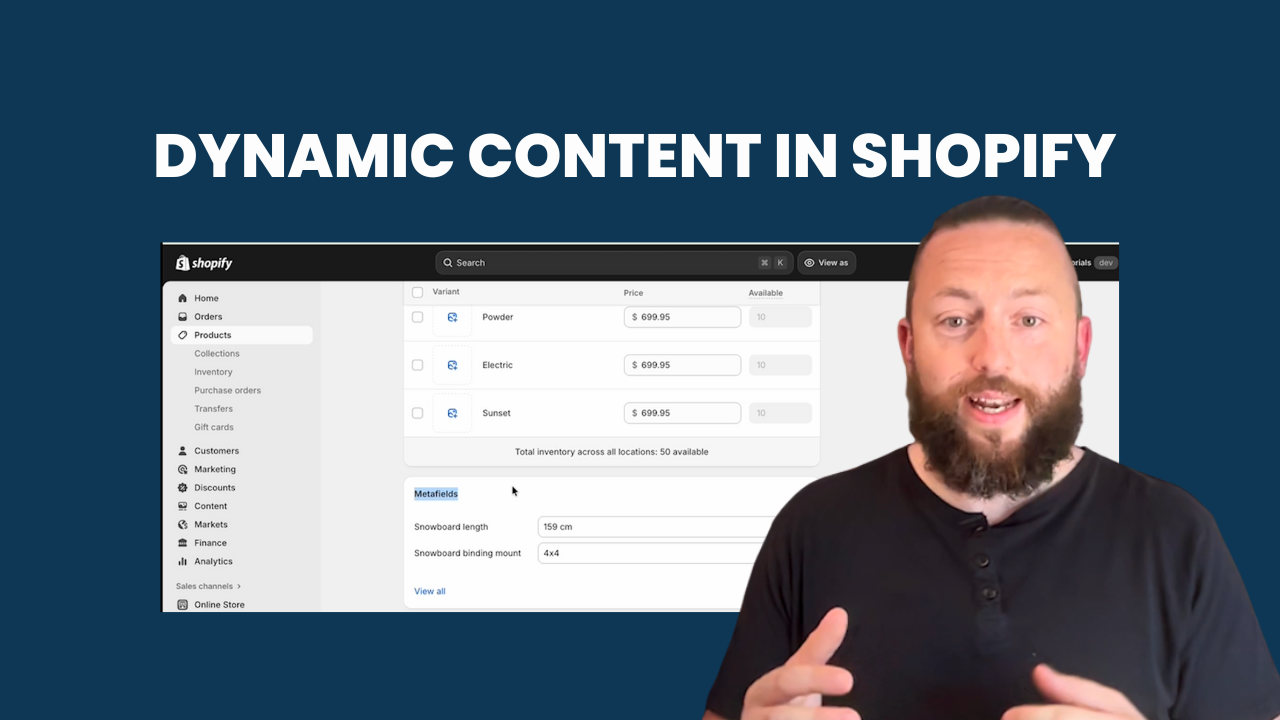
Inside the product editor, Shopify provides a Metafields section where you can add extra attributes to a product. Each metafield has a name and a value. For example, “Binding type” might be set to “4×4.”
Now here’s the key part: instead of manually typing “Binding type: 4×4” into your product description, you connect your theme to that metafield.
In the theme editor, you might:
- Add an accordion block above the product description
- Set the accordion heading to “Binding Type”
- Connect the accordion’s text field to the appropriate product metafield using the “Connect dynamic source” option
Once that connection is made, Shopify automatically pulls the correct value for every product that uses that template.
The result is one template that works across your entire catalog.
Why This Scales Better Than Manual Content
Without dynamic content, teams often solve product differences by creating multiple templates. One template for snowboards. Another for boots. Another for accessories. Over time, that becomes difficult to maintain.
Dynamic content flips that approach.
You keep:
- One product template
- A consistent layout
- Clean theme structure
And let the data change per product.
For e-commerce managers, this means fewer things to break during updates. For marketing teams, it means faster content changes without developer involvement. For developers, it means less duplication and cleaner code.
The One Caveat You Need to Plan For
There is one important thing to be aware of: empty metafields.
If your theme blindly outputs a metafield and that field is empty, you can end up with awkward content. For example, text that reads “The binding type is ” with nothing after it.
The simplest way to avoid this is process-driven:
- Make sure metafields are populated consistently
- Treat them as required fields for relevant product types
A more advanced approach is technical:
- Build custom blocks that automatically hide themselves when a metafield is empty
That second option requires a bit of development work, but it creates a much more polished and resilient storefront, especially for larger catalogs.
Why This Matters for Growing Shopify Stores
Dynamic content and metafields are one of Shopify’s most powerful tools for stores that need flexibility without chaos.
They allow you to:
- Customize product pages without multiplying templates
- Keep layouts consistent across categories
- Make future changes safer and faster
- Reduce the risk of errors during promotions or redesigns
Where to Go From Here
If you haven’t used dynamic content yet, the best next step is to open your theme editor and experiment with connecting metafields to simple elements like text blocks or accordions.
If you want help implementing this cleanly, or you’d like custom blocks that handle edge cases like empty fields automatically, that’s exactly the kind of work covered in our Shopify Expert Support membership.
It’s designed to give you ongoing, hands-on guidance as Shopify continues to evolve, without needing to start a full project every time you want to improve your store.
👉 Learn more here: https://threeacres.ca/expertsupport/
And if you want to see this in action step by step, be sure to watch the video above for a full walkthrough.