How to Build Shopify Theme Blocks with AI (AI Block Generator)
Shopify continues to roll out powerful tools that make life easier for merchants, and one of the most exciting releases from this summer is the ability to generate custom theme blocks using AI directly in the theme editor. If that sentence alone sounds futuristic — it is. In the
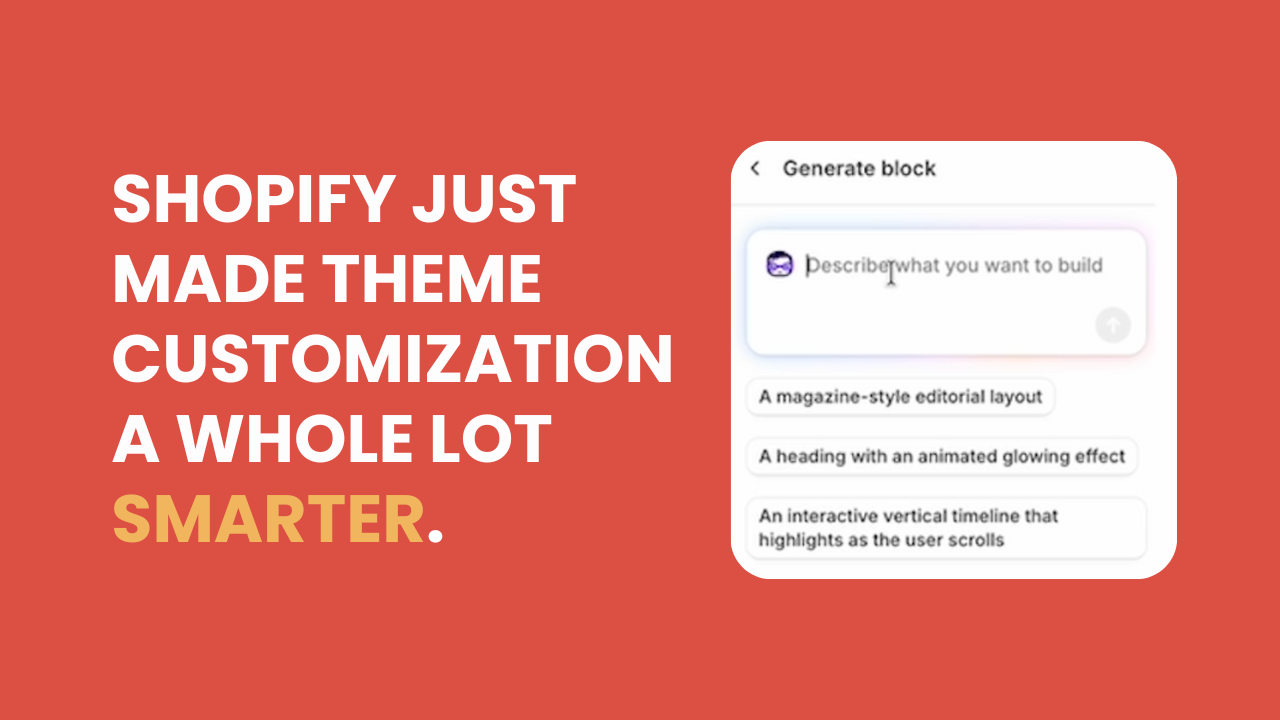
Shopify continues to roll out powerful tools that make life easier for merchants, and one of the most exciting releases from this summer is the ability to generate custom theme blocks using AI directly in the theme editor.
If that sentence alone sounds futuristic — it is. In the video below, I walk you through this new feature in real time, showing how you can use it to create new sections, experiment with layouts, and even adjust design elements without touching a line of code.
For busy e-commerce managers heading into the holidays, this might just be one of Shopify’s most practical new features.
Building Custom Blocks with AI
Inside Shopify’s theme customizer, you can now use a Generate option to ask the system to build custom sections on the fly. Instead of choosing from the default list of pre-made blocks, you can type a request like:
“Create a section with two products side by side, including borders, prices, an add-to-cart button, and variant selectors.”
Once you hit “Go,” Shopify’s AI starts writing the code for that new block right in front of you. The process is quick and completely visual. You don’t need developer access, you don’t need to switch to Liquid files, and you don’t have to risk breaking anything on your live theme.
The feature lives inside the customizer, which means you can test ideas safely. If you decide not to keep the block, simply leave without saving. Nothing is permanently added to your theme.
This is ideal for merchants who like to experiment with layouts, content blocks, or product presentations without worrying about cluttering up their codebase.
It’s Safe, Flexible, and Upgrade-Friendly
One of the most reassuring parts of this new AI tool is how cleanly it integrates with Shopify’s theme architecture. Any custom blocks created this way are upgrade-safe, so if your theme (like Horizon) receives a future update, your AI-generated sections won’t be lost.
That’s a significant improvement for teams that like to stay up-to-date with new theme versions but hesitate to make customizations for fear of losing them during upgrades.
If you do decide to save several custom blocks and later want to tidy up, you can still go into your code editor and remove them manually. Everything is neatly contained, giving you full control.
Real-World Use Cases
This new functionality opens the door for e-commerce teams to move faster and experiment more creatively. Imagine being able to:
- Prototype campaign layouts (like a two-product feature section) in minutes.
- Build seasonal blocks highlighting holiday bundles or limited-time collections.
- Customize visual details like borders, shadows, and hover effects with simple prompts.
- Revise and regenerate designs instantly without submitting a ticket to your developer.
For instance, I asked Shopify’s AI to add more colorful borders and drop shadows and the system immediately updated the section’s design on the spot. You can refine or iterate as much as you’d like, and once you’re satisfied, your block is fully functional.
While the feature isn’t perfect (some interactive elements like add-to-cart buttons may need testing outside the customizer), it provides a powerful starting point for rapid prototyping.
Why It Matters for E-Commerce Teams
For managers of medium to large stores, where design, development, and marketing often overlap, this tool bridges the gap between creative ideas and technical implementation.
It empowers your marketing or merchandising team to mock up ideas independently without waiting on developer bandwidth. And for agencies or in-house developers, it provides a faster way to test and visualize concepts before building them out more robustly.
In short: less friction, more speed, and a cleaner path from idea to execution.
Try It for Yourself
If you haven’t explored this feature yet, it’s worth spinning up a test store and trying it firsthand. You might be surprised how well Shopify’s AI handles structural logic and visual design. Even if you don’t keep the final result, it can spark ideas and serve as a blueprint for your next custom section.
And if you’d like expert help implementing these tools safely, or guidance on how to combine AI-generated design with solid development practices, we’re here to help.
👉 Learn more about our Shopify Expert Support membership and get ongoing access that can help your team move faster, test smarter, and stay ahead of Shopify’s newest updates.